
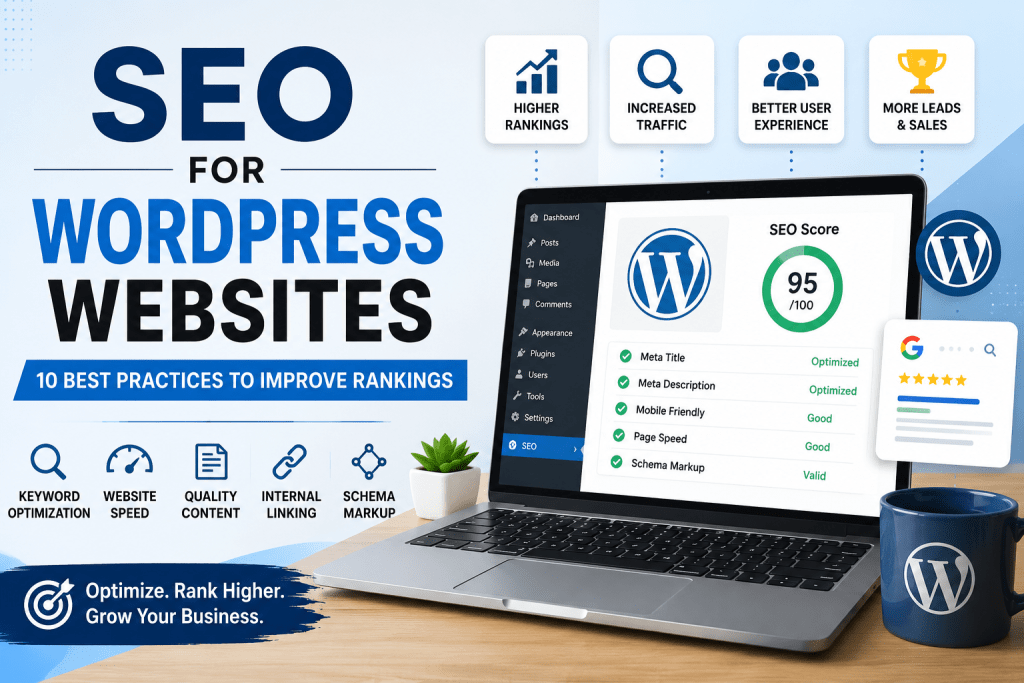
WordPress is one of the most SEO-friendly content management systems (CMS), powering more than 40% of websites worldwide. Its flexibility, extensive plugin ecosystem, and customizable architecture make it an excellent platform for businesses, bloggers, and eCommerce websites looking to improve their search visibility.
However, installing WordPress alone won't help your website rank on Google. To generate consistent organic traffic, your website needs a combination of technical SEO, high-quality content, fast loading speeds, optimized user experience, and proper website structure.
As search engines continue evolving with Google AI Overviews and AI-powered search platforms like ChatGPT, Gemini, and Perplexity, optimizing your WordPress website has become even more important. Websites that publish helpful, well-structured, and authoritative content are more likely to earn higher rankings and be referenced by AI-generated answers.
In this guide, you'll learn ten proven WordPress SEO best practices that can help improve your rankings, increase organic traffic, and build long-term online visibility.
Quick Answer: SEO for WordPress Websites
🚀 SEO Tip: Before publishing any page, make sure it has one H1 heading, a compelling meta description, optimized images with descriptive alt text, and at least 2–3 relevant internal links. These simple checks can significantly improve your page's SEO and user experience.
SEO for WordPress websites is the process of optimizing a WordPress site to improve its visibility in search engines like Google and AI-powered search platforms. This includes optimizing technical SEO, improving page speed, creating helpful content, implementing schema markup, optimizing images, and building a strong internal linking structure.
WordPress provides one of the best foundations for SEO because it allows complete control over your website's structure, metadata, performance, and content optimization.
Quick WordPress SEO Checklist
- Install a trusted SEO plugin
- Use SEO-friendly URLs
- Optimize title tags and meta descriptions
- Improve website speed
- Compress and optimize images
- Add schema markup
- Create helpful content
- Build internal links
- Submit your XML sitemap to Google Search Console
- Monitor your SEO performance regularly
Bottom line: WordPress is one of the most SEO-friendly platforms available, but consistent optimization is essential to improve rankings, increase traffic, and stay competitive in both traditional and AI-powered search.
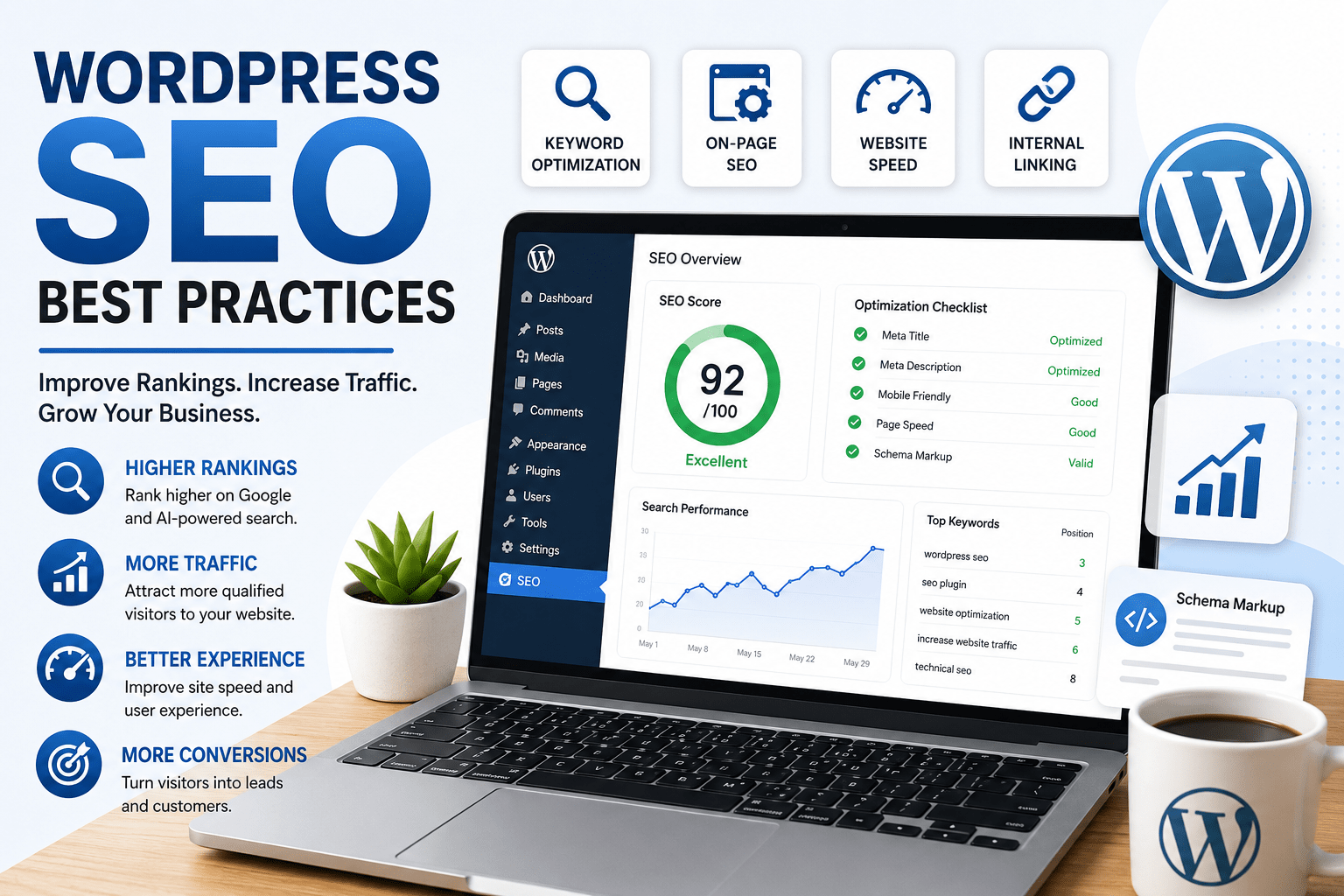
1. Choose the Right SEO Plugin
One of the biggest advantages of WordPress is the availability of SEO plugins that simplify optimization without requiring technical knowledge. A quality SEO plugin helps manage important elements such as metadata, XML sitemaps, schema markup, redirects, and indexing settings.
The most popular WordPress SEO plugins include:
- Rank Math
- Yoast SEO
- All in One SEO (AIOSEO)
These plugins allow you to:
- Customize SEO titles and meta descriptions
- Create XML sitemaps automatically
- Implement schema markup
- Control robots directives
- Optimize social sharing metadata
- Monitor on-page SEO recommendations
Choose one SEO plugin and configure it properly. Installing multiple SEO plugins may create conflicts and negatively impact your website.
Related Service: Technical SEO Services
2. Optimize Your Website Structure
A logical website structure improves both user experience and search engine crawling. Visitors should be able to find important pages easily, while search engines should understand how your content is organized.
Follow these WordPress SEO best practices:
- Use short, descriptive URLs
- Organize content into logical categories
- Add breadcrumb navigation
- Create an XML sitemap
- Fix broken links
- Use HTTPS encryption
- Maintain a clean navigation menu
SEO-Friendly URL Example
https://serpweave.com/seo-for-wordpress-websites/Instead of
https://serpweave.com/?p=123Simple URLs improve readability and help search engines understand your page's topic.
3. Improve Website Speed and Core Web Vitals
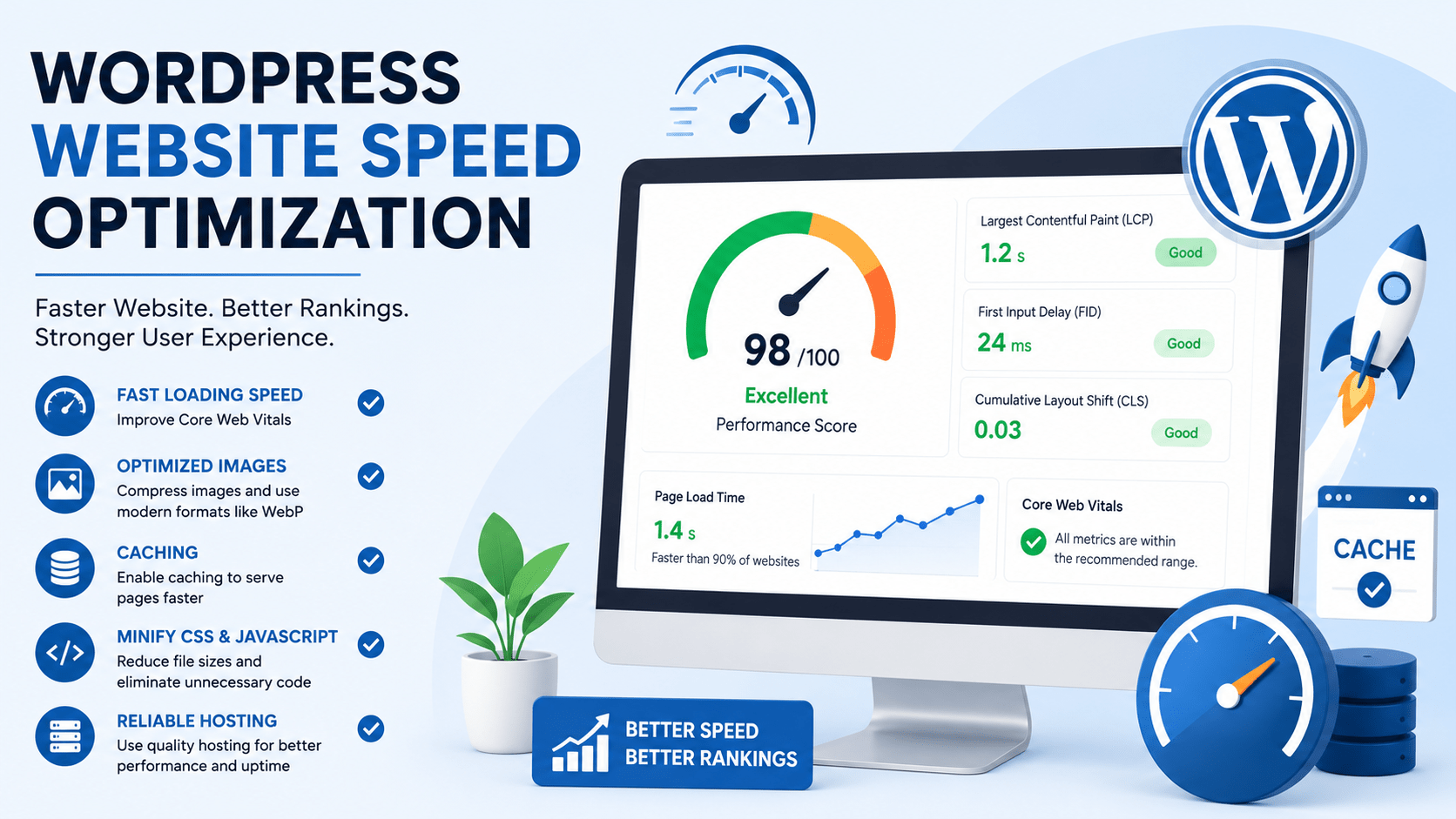
Website speed is an important ranking factor because it directly affects user experience. Slow-loading pages often experience higher bounce rates and lower conversion rates.
Google also evaluates Core Web Vitals, which measure loading performance, visual stability, and responsiveness.
To improve WordPress performance:
- Compress images before uploading
- Use WebP image format
- Enable browser caching
- Minify CSS and JavaScript
- Remove unnecessary plugins
- Use reliable WordPress hosting
- Install a caching plugin
Fast websites provide a better user experience while helping search engines crawl pages more efficiently.
Related Service: Technical SEO Services
4. Create High-Quality, Helpful Content
Content remains one of Google's strongest ranking signals. While technical SEO helps search engines understand your website, helpful content is what attracts visitors and builds trust.
Focus on writing content that answers your audience's questions instead of creating pages solely to target keywords. Google's Helpful Content System rewards websites that demonstrate experience, expertise, authoritativeness, and trustworthiness (E-E-A-T).
Your content should:
- Target one primary keyword
- Match search intent
- Use descriptive H2 and H3 headings
- Answer common questions
- Include internal links
- Be updated regularly
- Provide genuine value to readers
Publishing high-quality content also increases your chances of appearing in Google AI Overviews and AI-generated search results.
Related Service: SEO Content Strategy Services
5. Optimize Every Page for SEO
Every page on your WordPress website should be optimized individually. Small improvements across multiple pages can significantly improve your website's overall SEO performance.
Write Keyword-Optimized Title Tags
Include your primary keyword naturally within the title tag while keeping it engaging for users.
Create Compelling Meta Descriptions
Write clear, informative meta descriptions that encourage users to click while accurately describing the page.
Use Proper Heading Structure
Each page should contain one H1 heading followed by organized H2 and H3 headings.
Optimize Images
- Use descriptive filenames
- Add keyword-relevant alt text
- Compress large images
- Use WebP format whenever possible
Build Internal Links
Internal links help visitors discover related content while distributing authority throughout your website.
For example, if you're improving your website's visibility, you may also benefit from our Local SEO Services or request a comprehensive SEO Audit to identify technical issues affecting your rankings.
6. Add Schema Markup
Schema markup is structured data that helps search engines better understand the content on your website. Although visitors don't see schema directly, it can improve how your pages appear in search results by enabling rich snippets such as FAQs, breadcrumbs, reviews, and organization details.
For most WordPress websites, implementing schema is straightforward with plugins like Rank Math or Yoast SEO. Depending on the page, you can add different schema types to provide additional context to search engines.
Common schema types include:
- Article Schema
- FAQ Schema
- Organization Schema
- Local Business Schema
- Breadcrumb Schema
Proper schema implementation improves search visibility and increases the likelihood of your content appearing in Google AI Overviews and other AI-powered search experiences.
Related Service: Technical SEO Services
7. Monitor Your SEO Performance
SEO is an ongoing process rather than a one-time setup. Monitoring your website helps you understand what's working, identify opportunities for improvement, and measure the results of your optimization efforts.
Every WordPress website should be connected to:
- Google Search Console
- Google Analytics 4 (GA4)
- Google PageSpeed Insights
Monitor key SEO metrics such as:
- Organic traffic
- Keyword rankings
- Click-through rate (CTR)
- Indexed pages
- Core Web Vitals
- Leads and conversions
Regularly reviewing these metrics allows you to identify technical issues, improve existing content, and uncover new keyword opportunities that can help grow your organic traffic.
Common WordPress SEO Mistakes to Avoid
Even well-designed websites can struggle to rank if common SEO mistakes are overlooked. Avoiding these issues can significantly improve your website's long-term performance.
- Installing multiple SEO plugins that conflict with one another.
- Publishing duplicate or thin content.
- Ignoring page speed and Core Web Vitals.
- Uploading large, uncompressed images.
- Leaving image alt text empty.
- Using poorly structured URLs.
- Not creating internal links between related pages.
- Ignoring broken links and redirect errors.
- Failing to submit an XML sitemap.
- Neglecting mobile optimization.
Small improvements made consistently often produce better long-term SEO results than trying to make one major change all at once.
8. WordPress SEO Tools Worth Using
Using the right SEO tools helps you monitor website performance, discover optimization opportunities, and make data-driven decisions. While SEO plugins handle on-page optimization, additional tools provide valuable insights into your website's overall health.
Recommended tools include:
- Google Search Console – Monitor keyword rankings, indexing, and search performance.
- Google Analytics 4 (GA4) – Understand user behavior and conversion data.
- Rank Math or Yoast SEO – Optimize metadata, schema markup, and XML sitemaps.
- Screaming Frog SEO Spider – Identify technical SEO issues, broken links, duplicate content, and missing metadata.
- Google PageSpeed Insights – Measure website speed and Core Web Vitals.
Combining these tools provides a complete picture of your website's SEO performance and helps prioritize improvements that deliver measurable results.
9. Is WordPress Good for SEO?
Yes. WordPress is widely regarded as one of the best content management systems for SEO because it offers complete flexibility, excellent customization options, and access to powerful optimization tools.
Unlike many website builders, WordPress gives you full control over technical SEO, metadata, website performance, internal linking, schema markup, and URL structure. This flexibility makes it suitable for blogs, local businesses, service-based companies, eCommerce stores, and enterprise websites.
However, WordPress itself doesn't guarantee higher rankings. Long-term success depends on implementing proven SEO strategies, publishing valuable content, maintaining fast website performance, and continuously improving the user experience.
Final Thoughts
WordPress provides one of the strongest foundations for building an SEO-friendly website, but achieving sustainable rankings requires more than installing an SEO plugin. Long-term success comes from combining technical SEO, high-quality content, website performance optimization, and a user-first approach.
As search continues to evolve with Google AI Overviews and AI-powered platforms like ChatGPT, Gemini, and Perplexity, businesses should focus on creating content that is accurate, helpful, well-structured, and easy for both users and search engines to understand.
By following the best practices outlined in this guide, you'll be well-positioned to improve your rankings, attract qualified organic traffic, and build long-term authority within your industry.
Ready to Improve Your WordPress Website's SEO?
At SERPWeave, we help businesses grow through data-driven SEO strategies designed for long-term success.
Our services include:
- Technical SEO Audits
- WordPress SEO Optimization
- SEO Content Strategy
- AI Search Optimization (AEO & GEO)
- Schema Markup Implementation
- Core Web Vitals Optimization
- Local SEO Services
Whether you're launching a new WordPress website or improving an existing one, our team can help you increase visibility, generate more organic traffic, and turn visitors into customers.
Frequently Asked Questions
What is SEO for WordPress websites?
SEO for WordPress websites is the process of optimizing a WordPress site to improve its visibility in search engines through technical SEO, on-page optimization, high-quality content, website speed improvements, schema markup, and internal linking.
Is WordPress better for SEO than other website builders?
WordPress offers greater flexibility, customization, and access to SEO tools than many website builders, making it one of the most SEO-friendly content management systems available.
Which SEO plugin is best for WordPress?
Rank Math and Yoast SEO are among the most popular WordPress SEO plugins. Both offer features including XML sitemaps, schema markup, metadata optimization, and on-page SEO recommendations.
How often should I update my WordPress SEO?
SEO should be reviewed regularly. Update outdated content, monitor rankings, improve internal links, and resolve technical issues to maintain strong search performance.
Can WordPress websites rank in Google AI Overviews?
Yes. Websites that publish helpful, authoritative content, implement schema markup, maintain strong technical SEO, and provide an excellent user experience have a better chance of appearing in Google AI Overviews and AI-generated search results.
Do I need professional SEO services for my WordPress website?
While many basic SEO tasks can be handled independently, working with experienced SEO professionals can help identify technical issues, improve content strategy, optimize website performance, and accelerate long-term organic growth.

Rhea Bigcas is an SEO Specialist and the founder of SERPWeave, specializing in local SEO, on-page SEO, technical SEO, and content optimization. With hands-on experience using tools such as Google Search Console, Google Analytics, SEMrush, Ahrefs, and Screaming Frog, she helps businesses identify SEO opportunities and improve their visibility in search results. Through SERPWeave, Rhea shares practical SEO strategies and insights designed to help businesses strengthen their online presence, attract relevant organic traffic, and adapt to the evolving world of traditional and AI-powered search.